

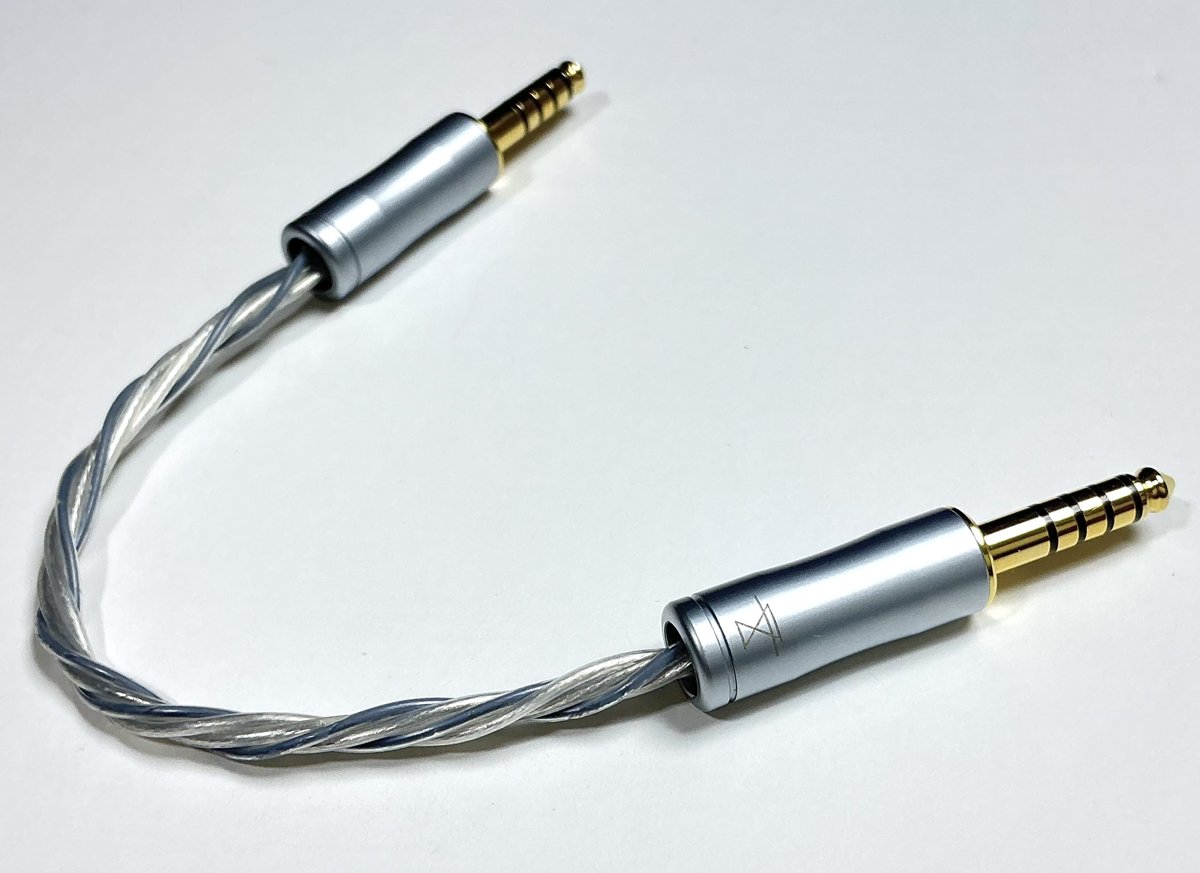
NUCLEON IC Q-”NDT” (4.4mm)
Coming soon
Coming soon as the interconnect cable that brings out Superior’s sound most faithfully. Crafted by WAGNUS.

 PORTABLE HEADPHONE AMPLIFIER
Chosen by engineering. Tuned by ear.
Superior is an amplifier built out of respect for the artist.
Everything that is in the recording, we want you to hear.
We removed as much as we could from the signal path and spared nothing on the power supply, so that your player and your earphones can sound exactly as they are, only larger and with a firmer core. That is the whole purpose of this amplifier.
“Soft, yet powerful. Clear, yet never harsh.” That is how one of the first listeners described it. It is exactly the sound we were after.
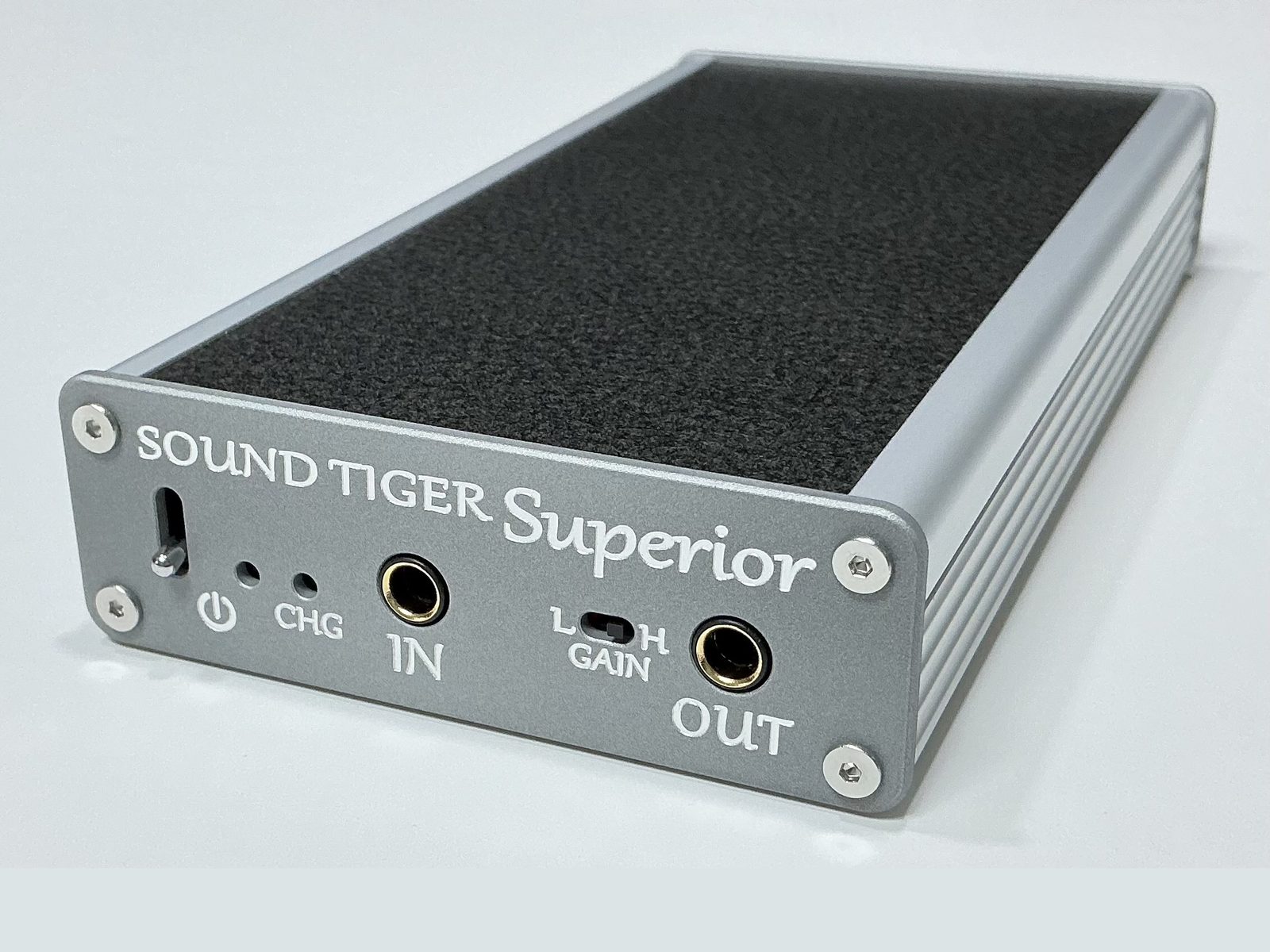

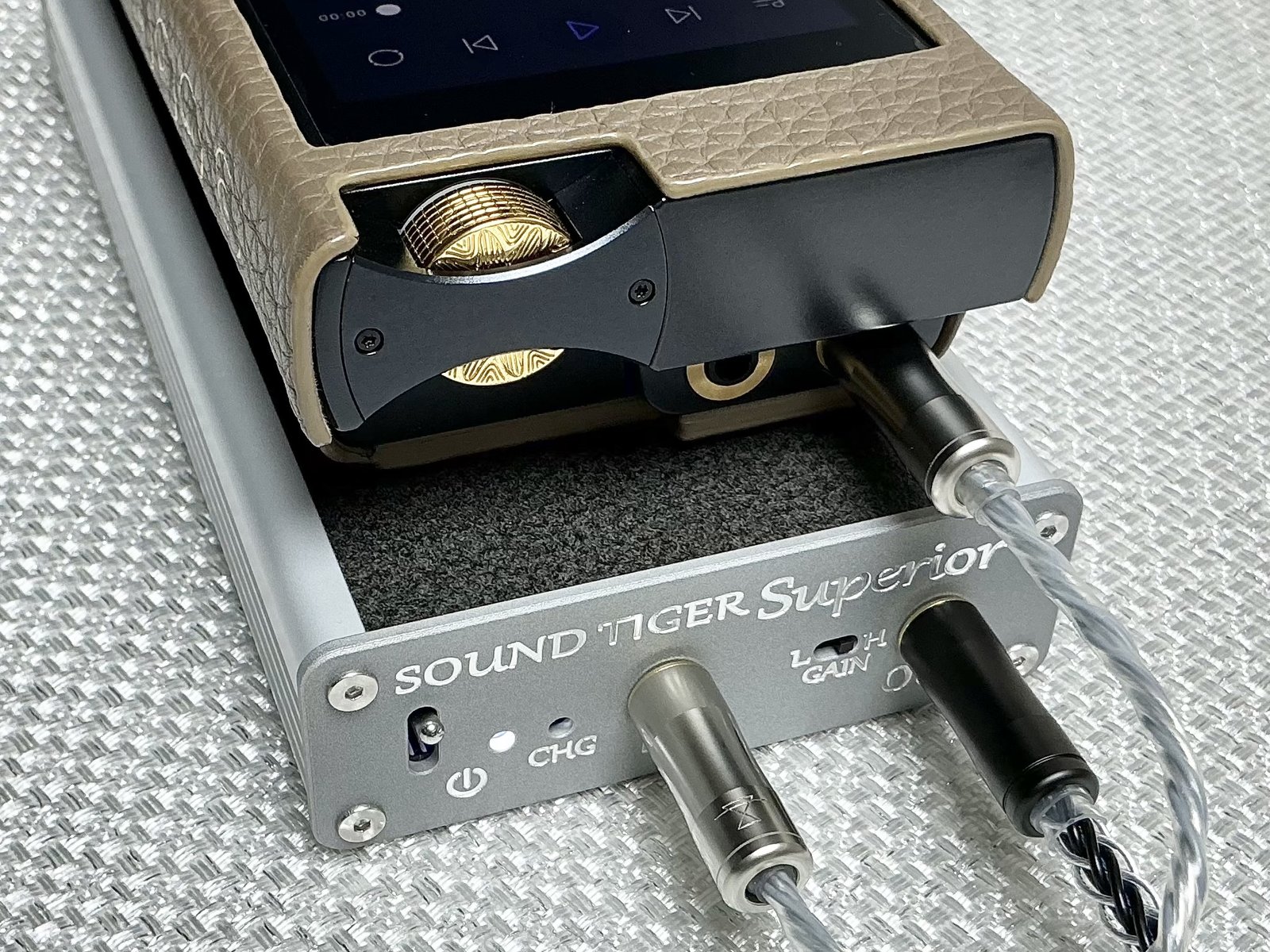
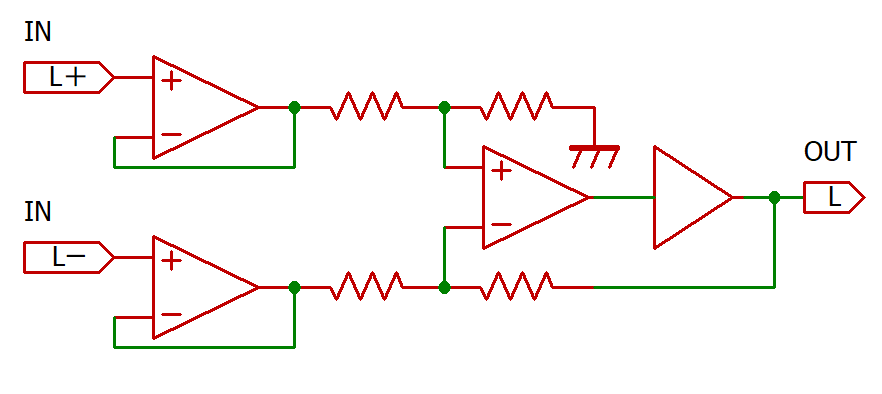
The input of Superior is a balanced line. Two wires carry the signal in opposite polarity, so noise picked up along the way cancels out. It is the standard in professional audio, and a proven way to carry a signal. Inside the amplifier, the Hot and Cold paths never touch each other directly.
The output, on the other hand, is deliberately single-ended.
In balanced drive, the Hot and Cold signals face each other across the earphone driver and interact. The further you push resolution and power, the more the two amplifier circuits begin to “sing along” with each other. The theory was known; during development we confirmed it with our own ears.
Balanced transmission and balanced drive share a name, but they are different things. Carrying a signal and driving an earphone are different physical events. Superior’s BAL-SE topology is that difference, reflected directly in the design.
To deliver 1.6 W + 1.6 W with headroom to spare, Superior carries a 15 W-class DC-DC converter and separate LDO regulators for the left and right channels. For a portable amplifier, that is a generous power supply design.
There is no volume knob on a SOUND TIGER amplifier. You set the level on your player. Some find this inconvenient; it is a choice made for the sound.
Turning a volume control changes the impedance the amplifier presents to the source. Depending on the wiper position, that impedance forms a high-frequency filter together with the small stray capacitance at the input of the next stage, and the filter changes with every setting.
The effect is largest not at minimum or maximum, but in the middle of the range. That is exactly the level an IEM listener uses every day.
Stepped attenuators, transformer volume controls, digital volume: each addresses the problem, and each pays a different price.
Digital volume used to be avoided because the level was reduced within the same bit depth as the source. The quieter the music, the more of the lowest bits were discarded, and resolution was lost.
Today’s major DAC chips (ESS, AKM, Cirrus Logic and others) adjust the volume inside the chip, at a bit width far wider than the source, so the information in the recording is fully preserved.
The volume on your player can now be trusted as it is. So SOUND TIGER removed the variable resistor from the amplifier and let the signal pass straight through.
Change the volume, and the sound does not change. If Superior seems to “make the original sound simply larger,” this is one of the reasons.
Listeners who tried Superior before launch described it this way:
In one line: “Soft, yet powerful. Clear, yet never harsh.” That is the sound we aimed for.
Read the full review (Golem, note; in Japanese)
Choose the body colour when you order.
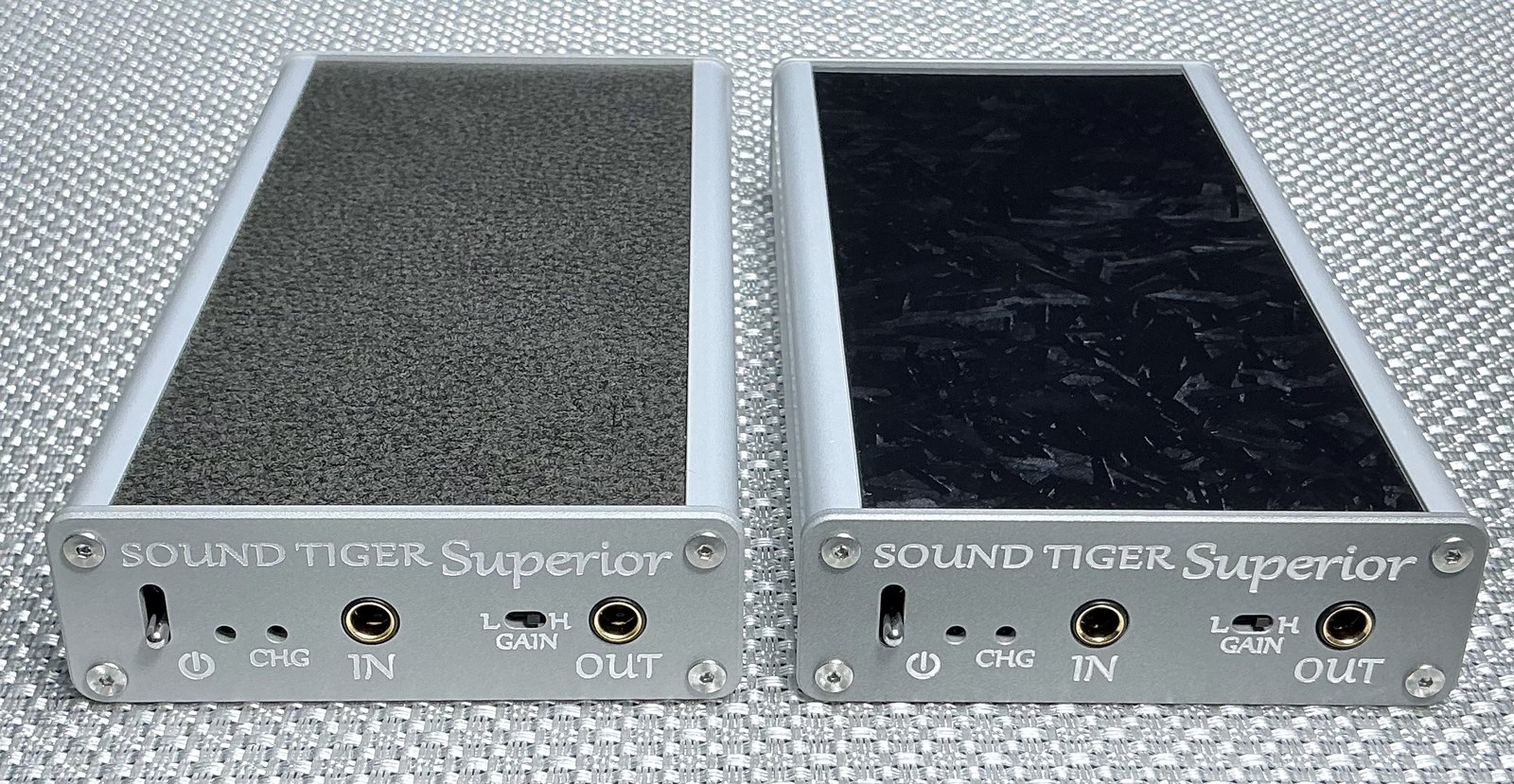
Order them together with the amplifier on the order form. IC cables are sold only with an amplifier; if you already own one of our products, you can buy them as an add-on bundle.
Coming soon as the interconnect cable that brings out Superior’s sound most faithfully. Crafted by WAGNUS.
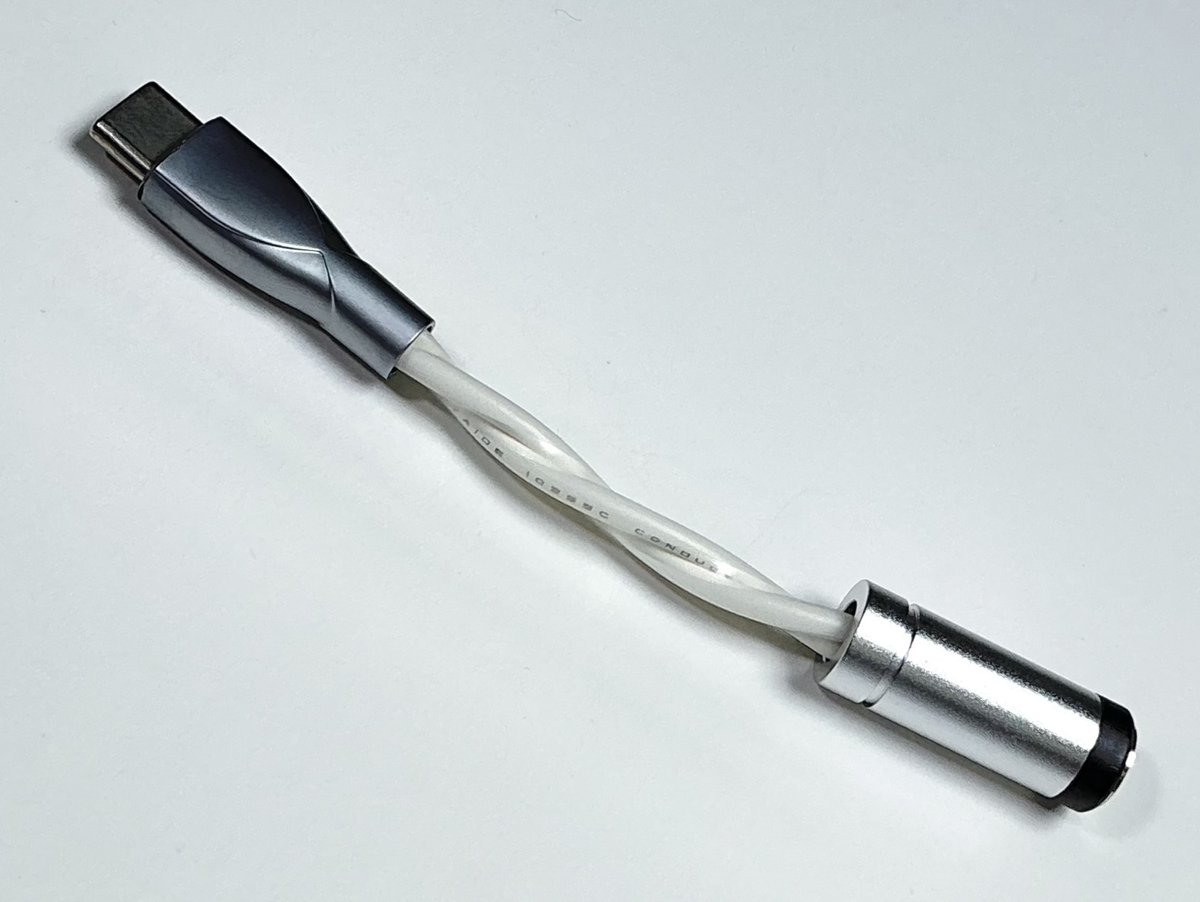
For Superior only. Do not use it with any other product.
Powers and charges Superior from a 12 V external supply (DC plug 5.5 mm / 2.1 mm). The input is a 5.5 mm / 2.1 mm DC jack.
Note: with some iFi products, Superior may not power on reliably. We are investigating.
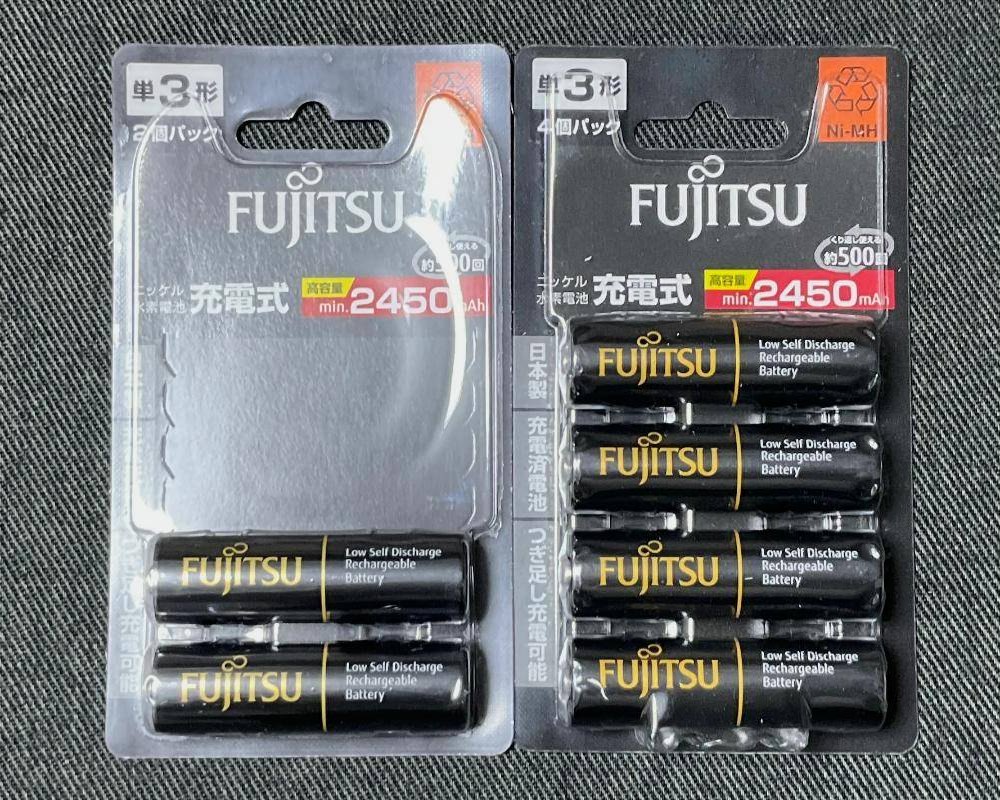
Superior comes with six Fujitsu white batteries (HR-3UTC).
Switching to black batteries (HR-3UTHC) extends battery life from about 7 to about 9.5 hours.
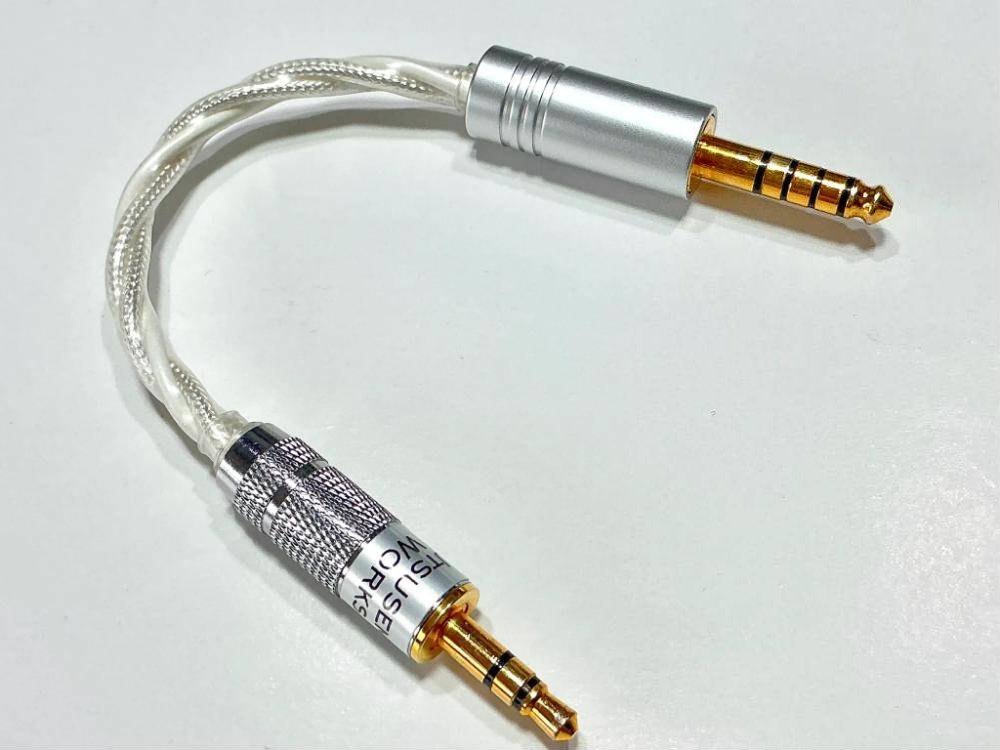
A high-grade interconnect cable for connecting a 3.5mm DAP to the SOUND TIGER series. The pin assignment is the same as the input side of the SE-Attach. Gold-plated copper plugs are used on both ends, and the conductor is shielded silver-plated 5N OCC.
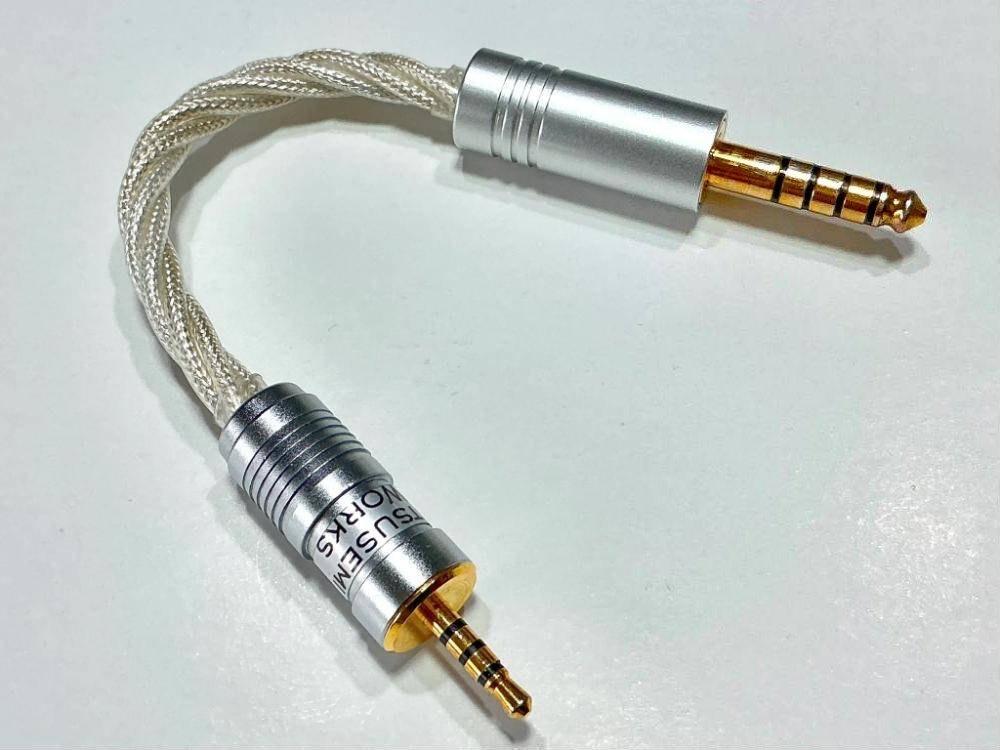
A high-grade interconnect cable for connecting a 2.5mm balanced DAP to the SOUND TIGER series. The 2.5mm input plug is a premium NIDEON plug, and the 4.4mm side uses a gold-plated copper plug. The conductor is shielded silver-plated 5N OCC.
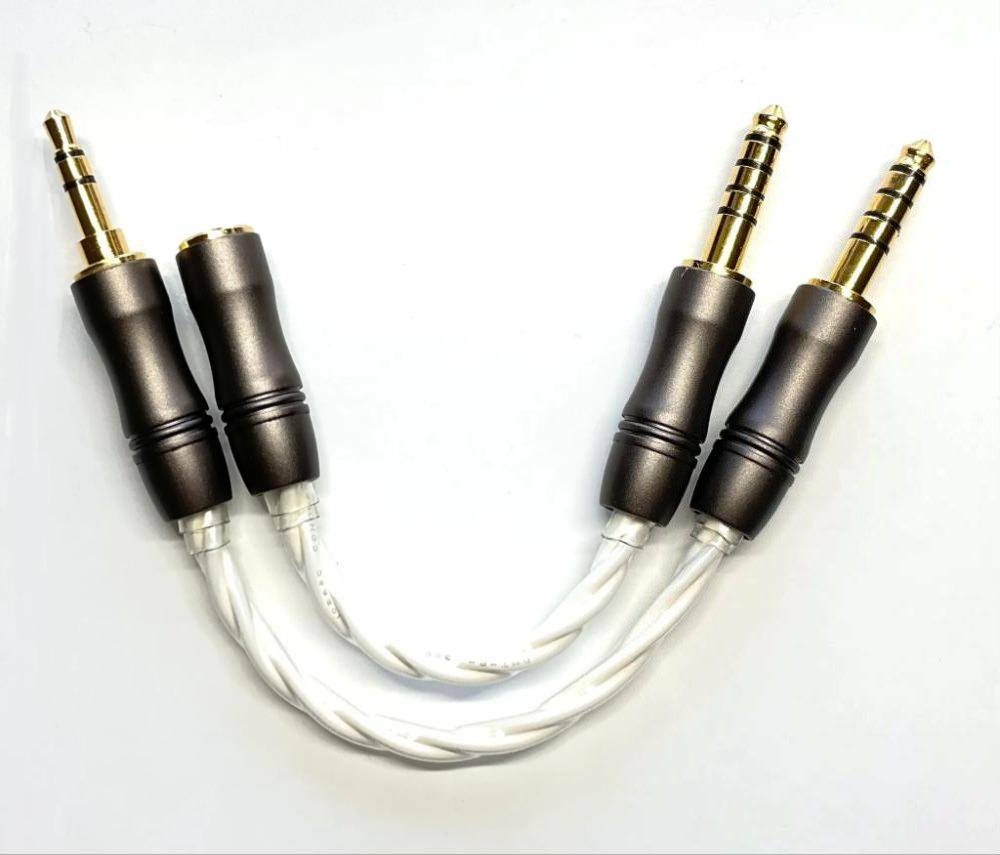
A cable set for using the SOUND TIGER series in 3.5mm single-ended mode. The two cables shown make one set.
Please read this after purchase.
Six AA NiMH batteries (the included Fujitsu white cells) are fitted to the circuit board inside the unit. For replacements, too, use only batteries from reliable makers such as Fujitsu, Panasonic (eneloop) and IKEA (LADDA). Do not use unbranded low-cost batteries sold online.
Before you start, turn the power off and unplug the USB cable.
Use the supplied driver to remove the four screws, then take off the rear faceplate (rear FP, the side with the USB-C port).
Hold the board by its edges and slowly pull it out. Do not touch the components on the board.
Insert six batteries in the direction marked on the board.
Slide the board all the way in, fit the rear FP, and tighten the screws firmly with the supplied driver.
While the board is exposed, static electricity can damage its components.
If the board touches metal it will short-circuit, which can cause damage or heat. Place it on a non-metal surface such as a wooden desk or a sheet of paper.
Reversing + and − can cause damage, heat or an accident. After inserting, check all six batteries against the markings.
Turning without enough pressure will strip the screw heads, and the screws can no longer be removed.
The supplied driver is a Vessel precision driver. We deliberately chose a slim one so that it cannot apply enough force to damage the screws. An ordinary hex key applies force easily and can overtighten and damage the screws or the case.
Superior has no volume control. Set the volume on your player.
Connect from your player's headphone output (phone out) as a rule. If your player has a line output with adjustable volume (variable line out), that is even better. Do not use a fixed line output: it plays at full volume and can damage your hearing and your earphones or headphones.
Connect your player's 4.4 mm balanced output (phone out or variable line out) to IN with an interconnect (IC) cable, and plug your earphones or headphones into OUT.
Before switching on, turn the player's volume well down.
Turn the power switch on. The white lamp lights, and after about 1–2 seconds the unit is ready to play.
While playing, raise the volume on the player a little at a time.
Power and charging go through the USB-C port on the rear panel. While a USB cable is connected, Superior runs from USB power and does not use the batteries.
Both the charger and Superior have USB-C ports. Chargers and cables with a USB-A (rectangular) connector will neither power nor charge the unit.

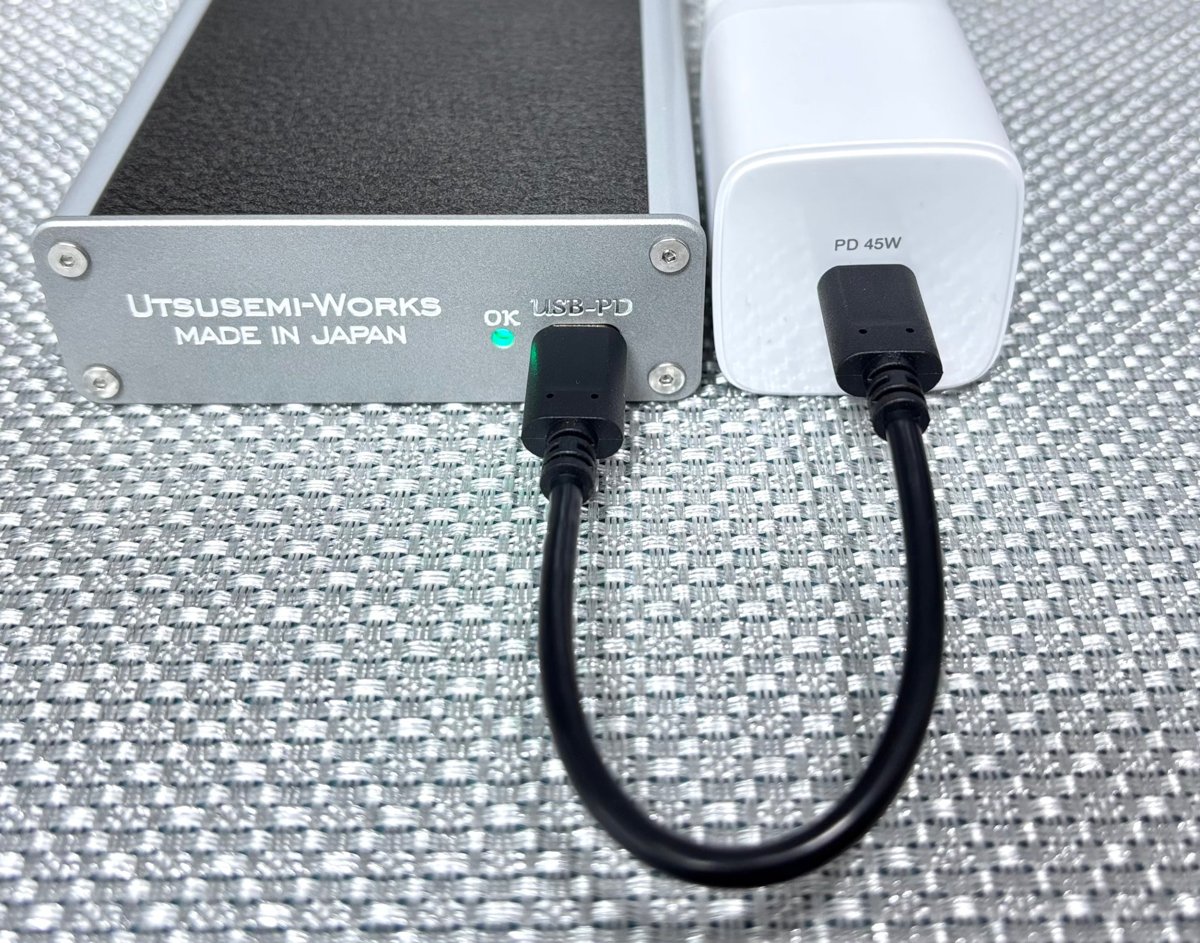
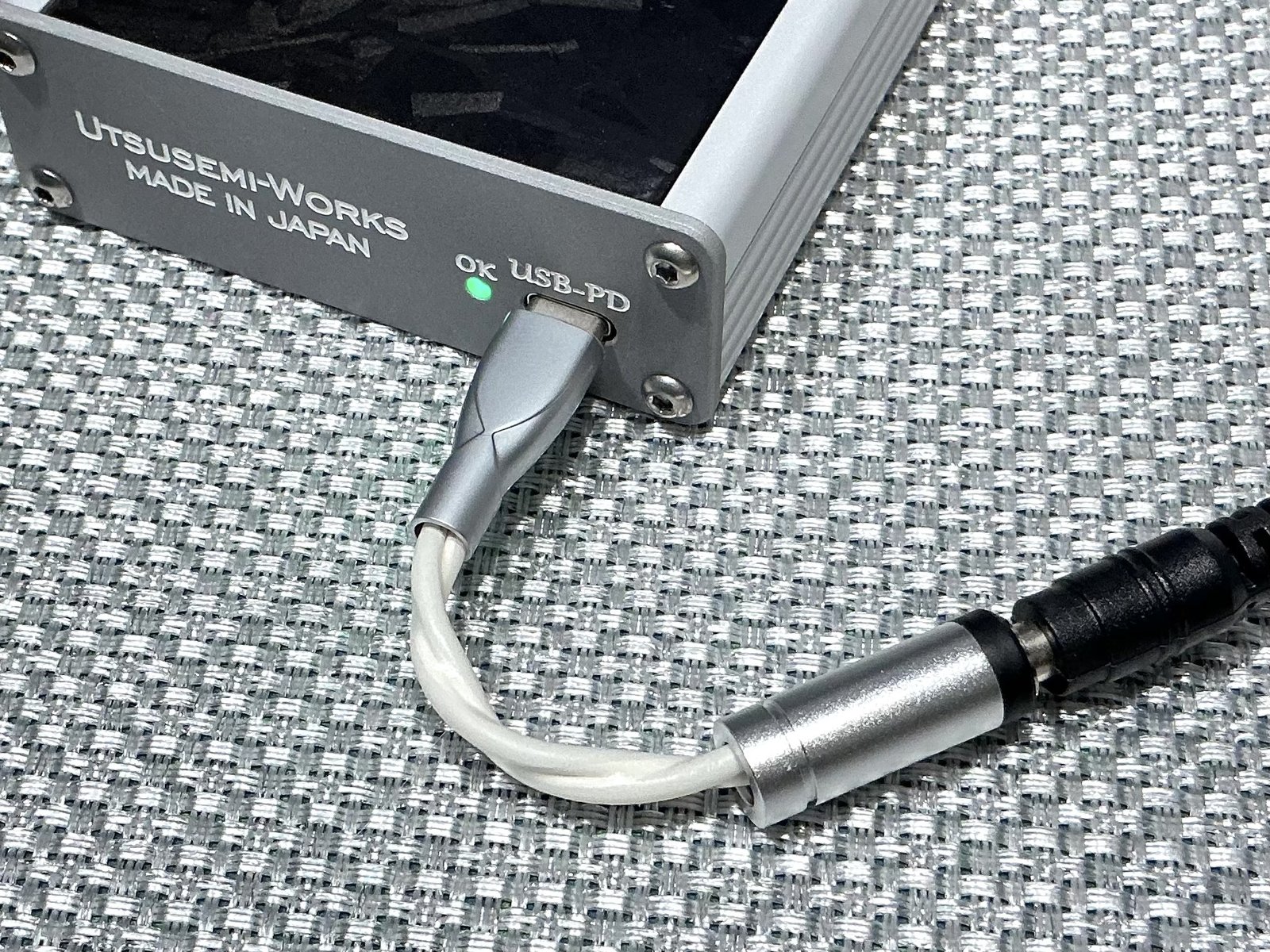
Superior has two lamps. Here is what each indication means.
White and red share one lamp. While red is lit, white is off.
Shown while the power is on. The level is a guide and can vary by about ±10% with battery condition and temperature.
About 30 minutes to 1 hour left.
Charge the batteries when red appears. If you will not use the amplifier for a long time, remove the batteries.
Playback stops. The red lamp goes off after up to 6 hours.
Shown while the USB cable is connected with the power on. White shows the battery level; blue shows the charging status.
Charging.
Charging.
Charging.
The batteries are above about 90% and the cells are being balanced. If you are in a hurry, you can unplug and go.
After a full charge, charging will not restart until the amplifier has been used for about 45 minutes or the white lamp starts to wink. This protects the batteries.
While charging over USB with the power off, the white lamp glows dimly and winks the same way as with the power on. Blue shows the charging status.
Charging.
Charging.
Charging.
The batteries are above about 90% and the cells are being balanced. If you are in a hurry, you can unplug and go.
After a full charge, charging will not restart until the amplifier has been used for about 45 minutes or the white lamp starts to wink. This protects the batteries.
Charging is paused because the batteries are too hot (about 45 °C) or too cold (below about 5 °C). If a warm DAP is strapped to the amplifier, remove the silicone band and separate the DAP from the SOUND TIGER. Charging resumes when the temperature returns to normal.
The batteries are missing or not making proper contact. Please reinsert them.
If this does not help, replace the batteries.
Turn off the power, let the unit cool in a cool place, then turn it on again.
If it happens again after switching off and on, the unit may be faulty. Please contact Utsusemi-Works.
If it appears while charging, unplug and reconnect the USB cable.
On-screen brightness is approximate. The dim white shown while charging with the power off is brighter here than on the actual unit.